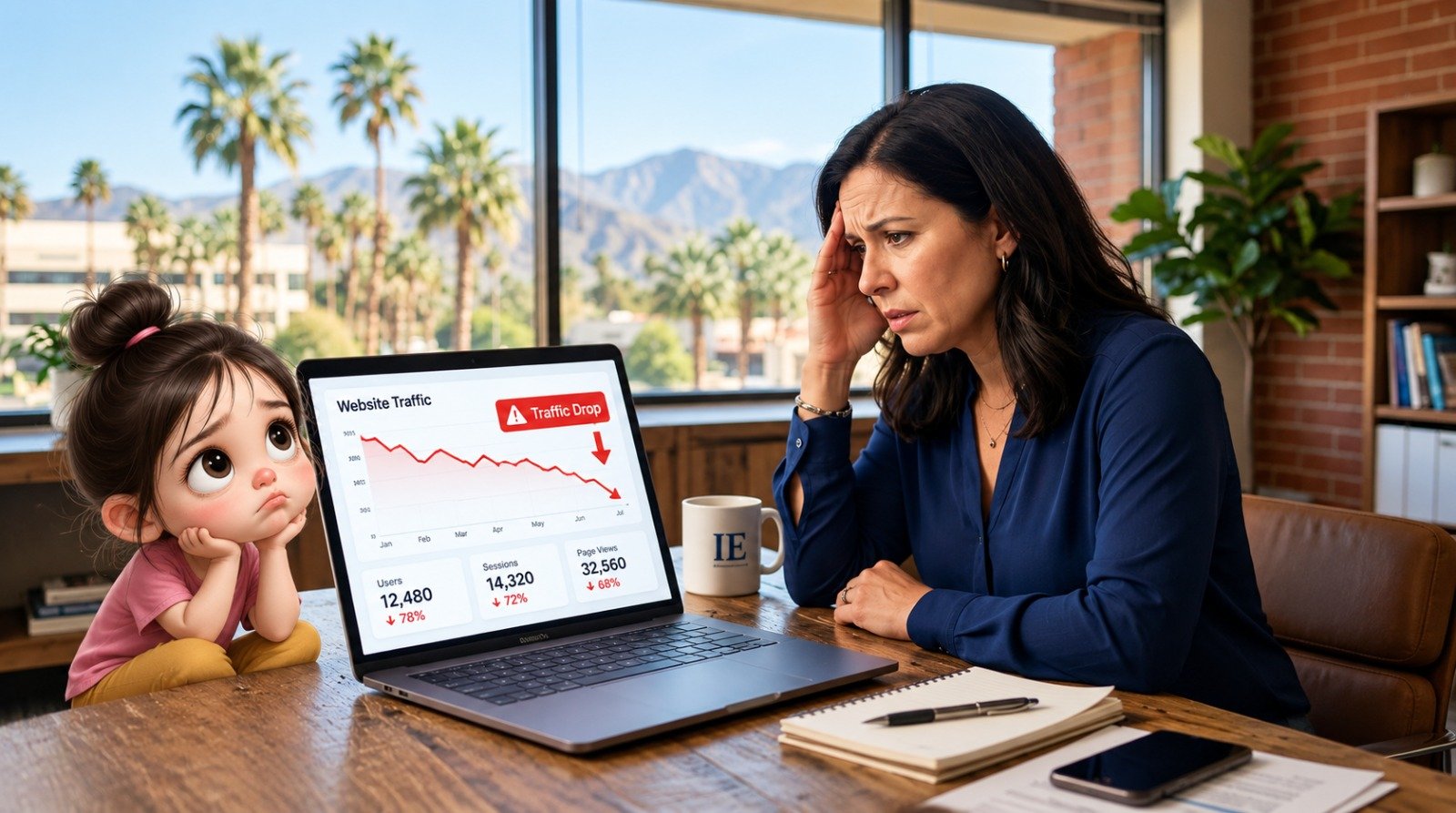
You open your analytics dashboard on Monday morning, and the line that was climbing for months has fallen off a cliff. Enquiries have slowed, calls have stopped, and you have no idea why.
First, take a breath. A sudden traffic drop is stressful, but it is also very common, and in most cases it can be diagnosed and fixed. The key is to find the real cause before you start changing things randomly.
In this guide, we explain the 7 most common reasons a website loses traffic, how to check each one, and what to do to recover. If you need expert help at any point, our SEO services team can look at your site and tell you exactly what went wrong.
Step 1: Confirm the Drop Is Real
Before you panic, check that the drop is genuine and understand its shape.
-
Open Google Search Console and compare the last 28 days with the previous 28 days. Look at clicks, impressions, and average position.
-
Open Google Analytics and check which pages and traffic sources (organic, direct, social) lost visitors.
-
Note the exact date the drop started. This date is your biggest clue.
If you have never used Search Console, our digital marketing team can set it up and monitor it for you.

Also ask: is the drop on all pages or only a few? Is it on mobile only? Is it only from Google, or from every source? These answers narrow down the cause quickly.
Cause 1: A Google Algorithm Update
Google updates its search systems many times a year. Some are small, but core updates can shift rankings across entire industries.
How to check: Compare the date of your drop with known Google update dates (Google's Search Status Dashboard lists them). If your drop lines up with an update and other sites in your niche were affected too, this is likely the cause.
How to recover:
-
Do not make hasty changes in the first few days. Rankings can fluctuate while an update rolls out.
-
After the rollout finishes, compare your pages with the ones now ranking above you. Look at depth, accuracy, clarity, and usefulness.
-
Improve content to genuinely help the reader. Add original insights, real examples, and updated information rather than just adding word count.
Recovery from a core update is not instant. It often takes weeks or months of consistent improvement.

Cause 2: Technical SEO Errors
This is one of the most common causes, and one of the most fixable. A small technical mistake can block Google from seeing your pages at all.
Common technical problems:
-
A no index tag accidentally left on pages after development
-
A robots.txt file blocking important sections of the site
-
Pages returning 404 or 500 server errors
-
Broken canonical tags pointing to the wrong URLs
-
Sitemap errors or a missing sitemap
How to check: In Search Console, open the Pages (indexing) report and Crawl stats. Look for sudden increases in "Excluded" or "Error" pages. Use the URL Inspection tool on a page that lost traffic.
How to recover: Remove the faulty tags or rules, fix the errors, resubmit your sitemap, and request re-indexing for key pages. Regular checks prevent this from happening again, and a professional SEO audit catches these issues early.
Cause 3: Website Redesign or Migration Gone Wrong
Many businesses see traffic collapse right after a redesign, a domain change, an HTTPS switch, or a new CMS.
What usually goes wrong:
-
Old URLs are not redirected to the new URLs (no 301 redirects)
-
Page titles, headings, and content were changed or removed
-
Important pages were deleted
-
The new site is slower or harder to crawl
How to check: Compare your old URL list with the new one. Click a few old URLs and see whether they land on the right new page or on an error page.
How to recover: Set up proper 301 redirects from every old URL to its closest new equivalent. Restore valuable content that was removed. Submit the updated sitemap in Search Console.
If you are planning a redesign, involve SEO from the start. Our web design team builds websites with search visibility in mind, so you do not lose rankings after launch.

Cause 4: Competitors Overtook You
Sometimes nothing is wrong with your site. A competitor simply published better content, earned more links, or improved their website, and moved above you.
How to check: Search your main keywords and note who ranks above you now. Compare their pages with yours: content depth, page speed, design, reviews, and freshness.
How to recover:
-
Update your content to be more complete and more useful than theirs
-
Add images, examples, FAQs, and clear answers
-
Improve page speed and mobile experience
-
Build quality backlinks and strengthen your brand mentions
For local businesses, competitors can also win through stronger Google Business Profile listings. Our local SEO services can help you compete for the Map Pack. If your business is in Tamil Nadu, see our SEO service in Madurai page too.
Cause 5: Lost or Spammy Backlinks
Backlinks act like votes of trust. If several high-quality sites stop linking to you, your rankings can slip. A sudden wave of spammy links can also cause trouble.
How to check: Use a backlink tool such as Ahrefs or Semrush, or the Links report in Search Console. Look for a sudden loss of referring domains or a spike of low-quality links.
How to recover:
-
Contact websites that removed your link and politely ask them to restore it
-
Earn fresh links through useful content, partnerships, and genuine PR
-
If you have a manual action notice in Search Console, fix the issue and file a reconsideration request
-
Avoid buying links or joining link schemes

Cause 6: Outdated Content or Changed Search Intent
What people want when they type a keyword can change. A page that ranked well two years ago may no longer match what Google now considers the best result.
Signs of this problem:
-
The page still ranks but gets fewer clicks
-
Google now shows videos, tools, or product pages for the keyword instead of articles
-
Your content mentions old statistics, old tools, or old years
How to recover:
-
Search the keyword yourself and study the top results. Understand the intent: are people looking to learn, compare, or buy?
-
Rewrite and refresh the page to match that intent
-
Update facts, screenshots, and examples
-
Improve the title and meta description to increase click-through rate
Fresh, regularly updated content is one of the easiest ways to win back lost traffic.
Cause 7: Tracking and Reporting Errors
Sometimes the traffic has not dropped at all. Your tracking is broken.
Common tracking problems:
-
The Google Analytics tag was removed during a website update
-
Cookie consent settings are blocking data collection
-
Filters or settings were changed in Analytics
-
A new theme or plugin broke the tracking code
How to check: Compare Analytics data with Search Console clicks. If Search Console shows stable clicks but Analytics shows a sharp fall, the issue is with tracking. Ask your developer whether the tag is still installed.
How to recover: Reinstall or correct the tracking code, verify it with Google Tag Assistant, and annotate the date in Analytics so future reports are not confusing.

Bonus: Slow Website Speed
A slow site frustrates visitors and weakens your search performance. If your pages take more than a few seconds to load, users leave before they see your content. Compress images, use caching, and upgrade poor hosting. Our web development team can help you speed things up.
Your Traffic Recovery Checklist
-
Confirm the drop in Search Console and Analytics
-
Note the exact date and which pages were affected
-
Check for Google update dates around that time
-
Scan for indexing errors, no index tags, and robots.txt problems
-
Review recent website changes (redesign, plugins, migration)
-
Analyze competitors who now rank above you
-
Review your backlink profile
-
Refresh outdated content and match search intent
-
Verify your tracking code
-
Monitor progress weekly and avoid panic changes

How Long Does Recovery Take?
It depends on the cause. A tracking error or a no index mistake can be fixed within days. Technical problems usually recover within a few weeks after Google recrawls your pages. Algorithm-related drops and content quality issues take longer, often several months of steady improvement.
The most important thing is to diagnose correctly first. Fixing the wrong problem wastes time and money, and sometimes makes the drop worse.
Need Help Recovering Your Traffic?
If your website traffic has dropped and you are not sure why, you do not have to figure it out alone. Our team will check your technical setup, content, backlinks, and competitors, and give you a clear recovery plan.
Book a Free SEO Audit and find out exactly why your traffic dropped and what to do next.

Frequently Asked Questions (FAQ)
1. Why did my website traffic drop suddenly?
The most common reasons are Google algorithm updates, technical errors such as noindex tags or broken redirects, a website redesign, lost backlinks, stronger competitors, outdated content, or broken analytics tracking. Check the exact date of the drop in Search Console to find the likely cause.
2. How long does it take to recover lost website traffic?
Simple technical or tracking issues can recover in a few days to a few weeks. Content quality problems and algorithm-related drops often take two to six months or more, depending on how much needs to be improved.
3. Should I make changes immediately after a Google update?
Not immediately. Wait until the update has finished rolling out, then analyze what changed. Quick, random changes during the rollout can confuse the diagnosis. Focus on improving content quality and fixing real technical problems.
4. How can I tell if my traffic drop is caused by a penalty?
Check the Manual Actions report in Google Search Console. If there is a manual action, Google describes the issue there. If there is no notice, the drop is most likely due to an algorithm update, technical problems, or competition rather than a penalty.
5. Can a website redesign reduce my traffic?
Yes. If old URLs are not redirected properly, content is removed, or the new site is slower or harder to crawl, rankings can fall quickly. Always plan 301 redirects, keep valuable content, and test the site before launch.
Final Thought
A sudden drop in website traffic can feel alarming, but it does not always mean your website is failing. The right approach is to identify when the drop started, which pages were affected, and what changed around that time. Whether the cause is a technical issue, Google update, outdated content, stronger competitors, lost backlinks, or tracking errors, finding the real problem is the first step toward recovery.
Avoid making random changes based on assumptions. Check the data, diagnose the cause, fix the right issues, and monitor your progress consistently. With the right SEO strategy and ongoing improvements, lost traffic can often be recovered and your website can become stronger than before.
If your website traffic has suddenly dropped and you are unsure what caused it, Call Us today for a professional SEO audit and let our team help you identify the problem and build a clear recovery plan.